Bouncy castle hire websites
What Is The Party Rental Network?
A connected booking, website and AI-powered business platform built around party rentals and event hire, with tools for your equipment, customers, team and wider industry network.
What Type of Party Rental Business Do You Run?
Equipment records, safety documents, delivery planning and artwork tools help keep inflatable hire jobs organised.
A photograph can sell the excitement of a bouncy castle. It cannot tell a parent whether it will fit through their side gate. Effective bouncy castle hire websites bridge that gap: they help customers picture the party while bringing practical hire conditions into view before a booking becomes a delivery problem.
For a UK operator, the website is also the point where an attractive promise meets a finite stockroom, delivery capacity and safety responsibilities. Its job is not simply to generate more enquiries. It should help generate enquiries you can assess and fulfil.
See what's possible
Start with the garden, not the gallery
Imagine a parent comparing two castles for a Saturday birthday party. One page gives only a photograph and a name. The other explains the inflatable’s dimensions, the additional operating space required, access considerations and suitable setup conditions. The second page gives that parent a better starting point for a useful conversation.
Keep equipment dimensions separate from the total space needed for safe installation. Where relevant, explain height clearance, power requirements and restrictions on surfaces or locations. Base these details on the equipment instructions and your operating procedures, rather than copying another company’s wording.
Uncertainty deserves a clear next step: ask customers to contact you before proceeding if access, measurements or venue conditions are unclear.
Give each inflatable a useful product page
A product page should answer the questions a customer would otherwise ask over the telephone. Use recognisable names, clear photographs and descriptions that distinguish genuinely different items. A compact castle, a slide combination and an obstacle course serve different spaces and occasions; their pages should explain those differences.
Show what the quoted hire includes and make delivery charges, collection arrangements and other applicable conditions understandable before commitment. Avoid a low headline price that becomes confusing later.
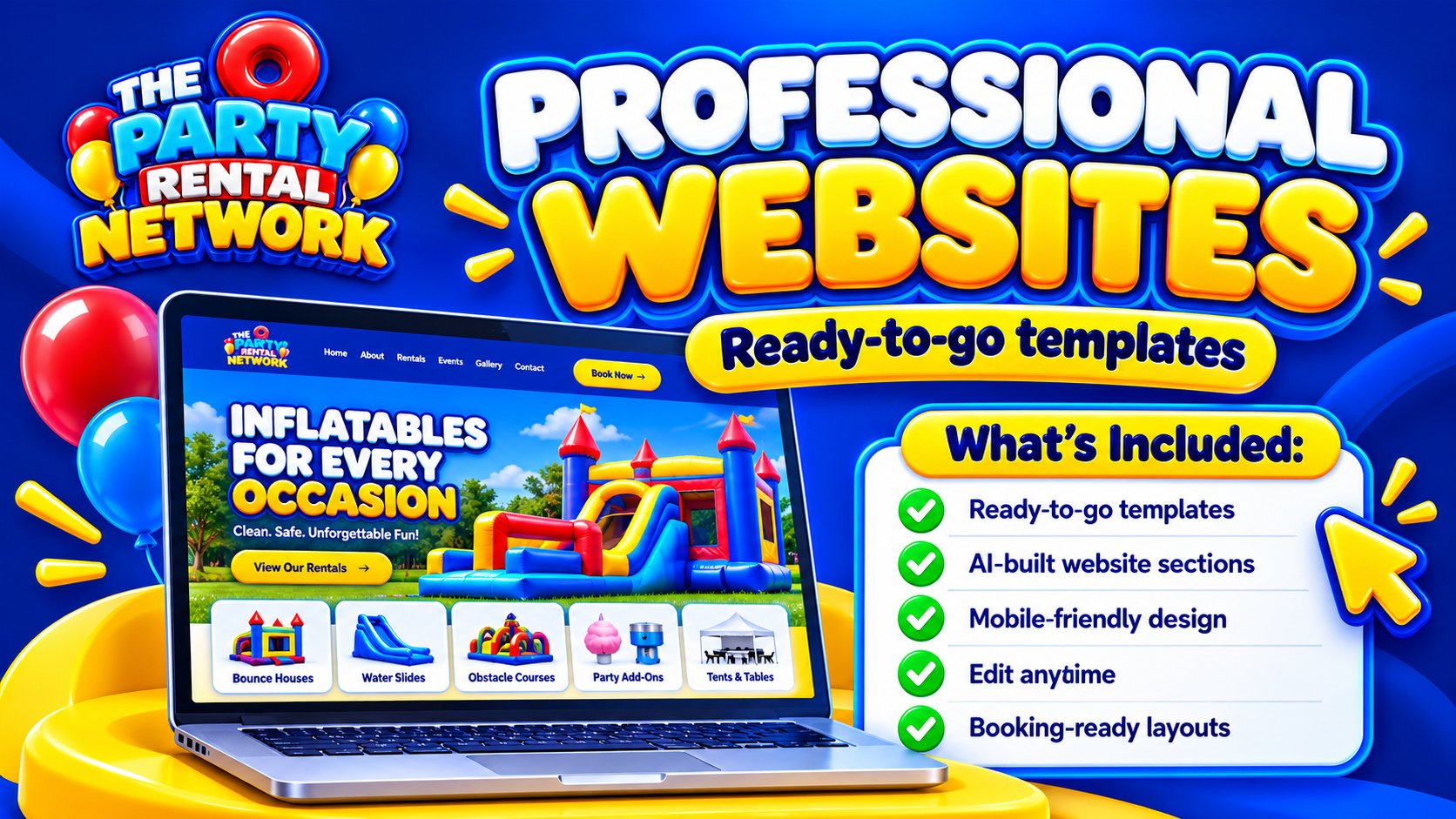
When evaluating professional websites, look beyond the homepage design. Check whether your longest equipment name, portrait photographs and important hire conditions remain readable on a phone. That is often where the real comparison happens.
Connect customer interest to a workable booking
A website enquiry is not yet a workable job. The date, location, equipment, access and delivery expectations need to make sense together. In an illustrative village-hall hire, the building may be available all afternoon but allow suppliers only a short setup window.
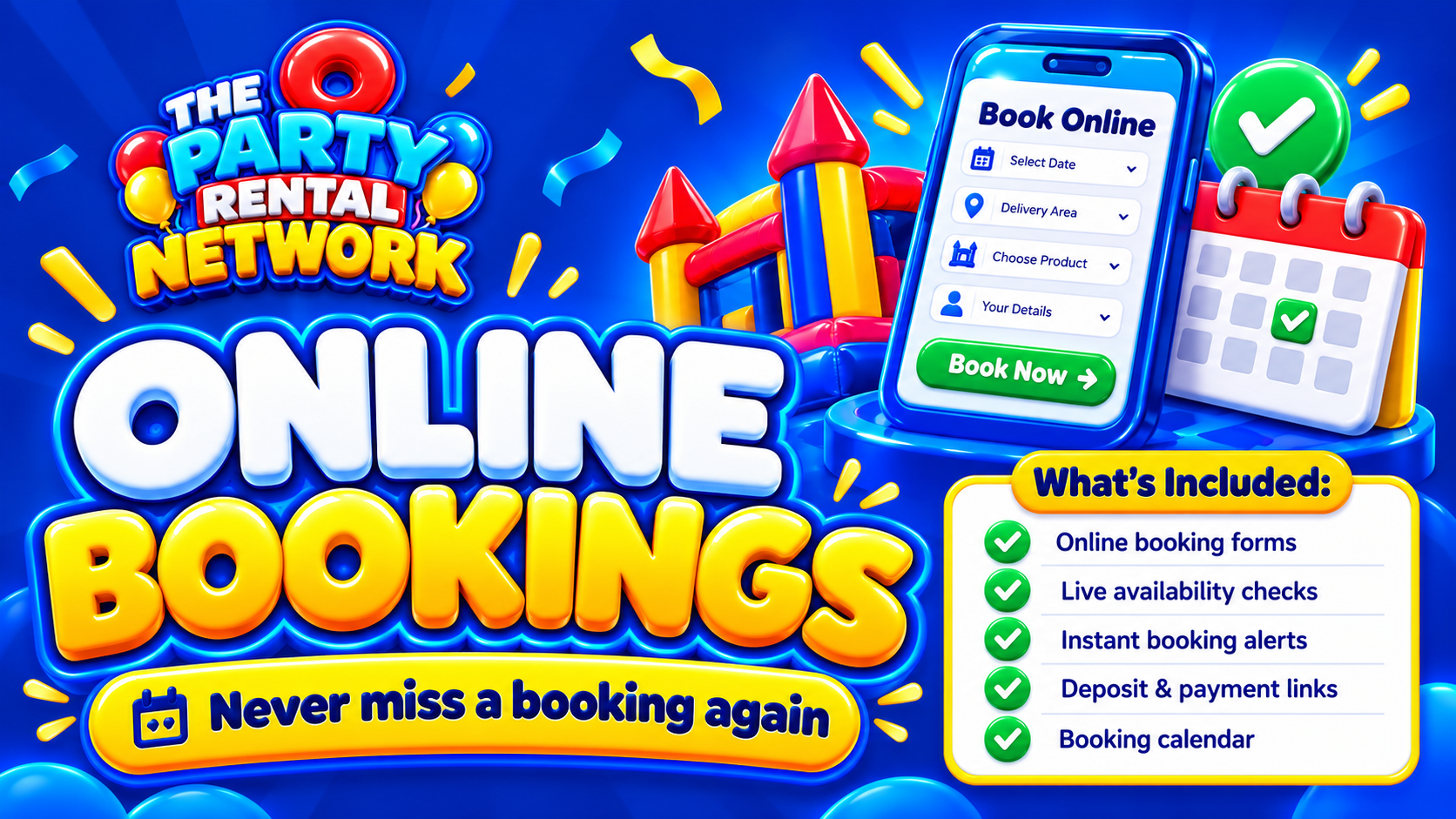
Review online bookings against that kind of scenario. Establish what information customers provide, when staff review it and how the booking’s status is communicated. Be explicit about whether a submission is an enquiry, a request awaiting acceptance or a confirmed booking.
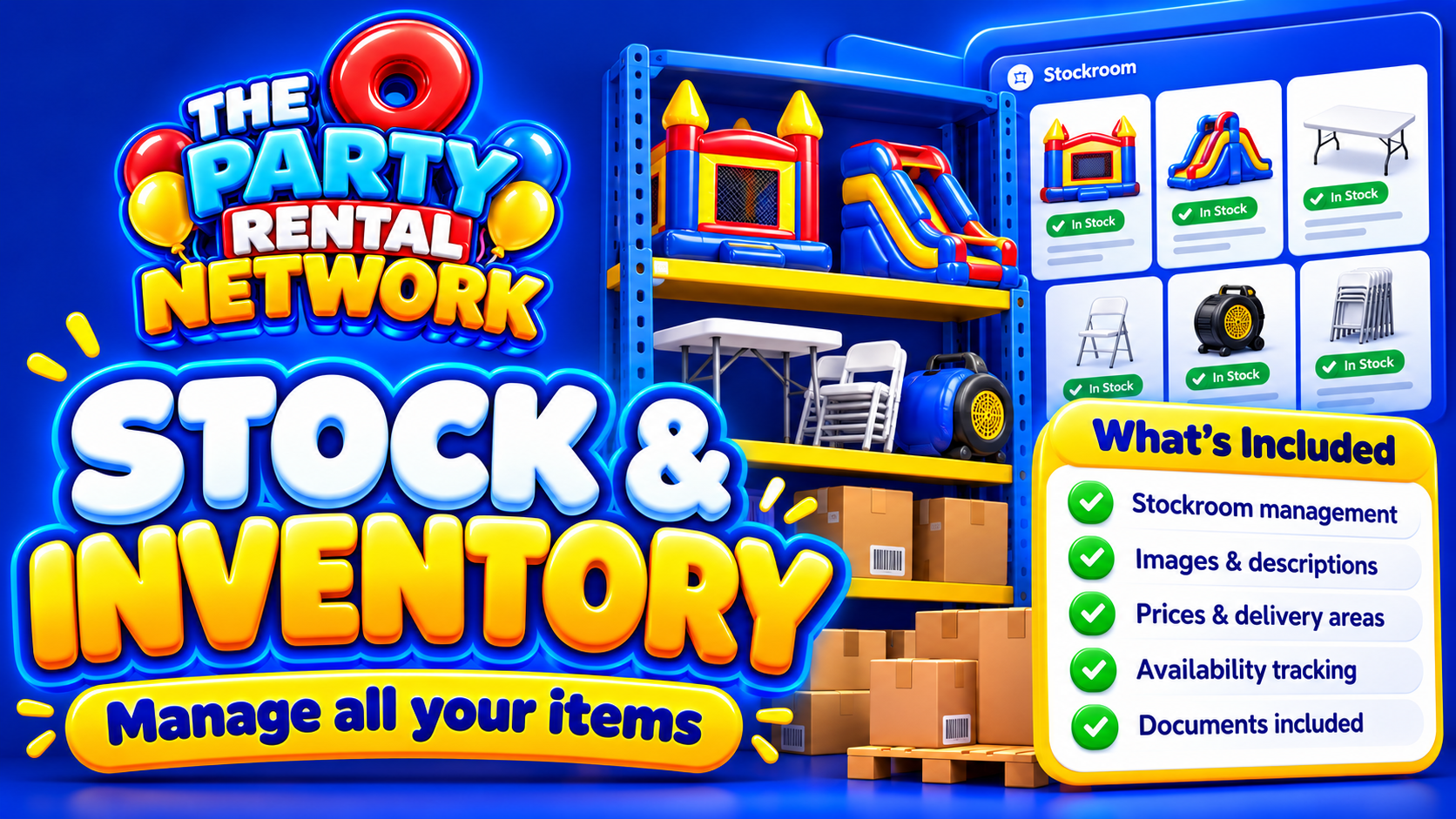
The website also needs to reflect the business behind it. Stock and inventory is relevant because similar-looking castles are still individual assets. Ask how your chosen package handles equipment records and availability, rather than assuming that a website calendar alone resolves every stock conflict.
Write local pages that earn their place
Useful local content explains where you operate and what customers in those areas need to know. Describe genuine delivery coverage and any relevant booking conditions. Do not publish dozens of near-identical town pages with only the place name changed.
Venue information can be valuable when it is accurate and current, but a previous successful installation does not establish suitability for every inflatable or event. Customers should still check their intended equipment and arrangements.
Auto SEO belongs alongside this editorial work, not in place of it. Clear page titles, descriptive equipment content and sensible navigation help people understand the site; no software can assure Google indexing or a particular ranking. For broader site planning, see website for party rental business.
Choose the package and plan the handover
Treat selection as a practical setup exercise. Identify who will maintain photographs, update hire conditions, review enquiries and check equipment details. Before replacing an existing site, establish arrangements for your domain, existing page addresses and customer-facing contact information.
Party Rental Network free accounts can list equipment and become eligible for opportunities. Paid subscriptions offer business tools according to package. A free network account should not be mistaken for an entitlement to every website or management tool, and opportunities are not guaranteed bookings or income.
You can join the network or book a demo to explore suitability. Bring a representative inflatable and an awkward delivery scenario so the discussion stays grounded in your work.
Questions about bouncy castle hire websites
Can I keep my existing domain name?
Establish domain arrangements before committing. Check who controls the registration, what changes are required and how existing email services will be protected. Do not assume a website move automatically includes domain or email management.
Should customers be able to pay online?
That depends on your workflow and available configuration. Payment availability is subject to configuration and launch safeguards. Confirm what is supported before advertising online payment, and explain clearly when any payment becomes due.
How should weather-sensitive bookings be explained?
Publish understandable weather and cancellation terms based on your procedures and qualified advice where needed. Explain how customers will receive updates. A website cannot decide that equipment is safe to operate in particular conditions.
Can AI handle every website enquiry?
Do not assume unrestricted automation. The AI business manager for hire companies resource introduces Yodo assistance. Rule-based inbox support and confirmed Work Mode booking voice actions have defined boundaries; voice operations require permissions and confirmation.
Do safety documents make a website compliant?
Documents can help communicate responsibilities, but publishing them does not certify equipment or establish compliance. Keep information current and seek qualified safety or legal advice where appropriate. Software does not replace competent inspection or operational judgement.
What should I test before publishing?
Test the mobile journey from equipment selection to enquiry or booking submission. Check dimensions, pricing explanations, contact details, status messages and links. Ask someone unfamiliar with your business to explain what they believe they have booked.