Event hire website design
What Is The Party Rental Network?
A connected booking, website and AI-powered business platform built around party rentals and event hire, with tools for your equipment, customers, team and wider industry network.
What Type of Party Rental Business Do You Run?
Equipment records, safety documents, delivery planning and artwork tools help keep inflatable hire jobs organised.
An event hire website has to show what a photograph cannot: whether the equipment suits the venue, what the hire includes and what happens between booking and collection. A beautiful image of a dressed marquee is only the beginning. The design succeeds when someone planning a wedding, school fair or corporate launch can take the right next step without guessing.
For Party Rental Network businesses, the useful starting point is the hire journey, not a colour palette. Build the pages around the decisions customers need to make and the information your team needs to fulfil the job.
See what's possible
Design around the event, not just the catalogue
Customers do not always know your equipment names. Someone organising a village hall reception may think in terms of seating forty guests, keeping drinks cold and fitting everything through a side entrance.
Give visitors routes into the catalogue by event type or practical need, while retaining clear equipment categories for experienced organisers. An event page should explain a suitable combination, then lead to individual items with dimensions and hire details. It should not imply that every pictured accessory is included.
Treat packages carefully. Show their contents and explain whether substitutions or extra quantities need approval. This makes an attractive arrangement understandable as an actual hire order.
Make product pages answer delivery-day questions
Useful product pages combine clear photographs with operational detail. Depending on the equipment, that might mean footprint, access requirements, power supply, capacity, setup responsibilities and collection arrangements.
Place important limitations near the booking decision rather than burying them in general terms. For an illustrative outdoor screen hire, weather restrictions and power requirements could matter more than another lifestyle photograph.
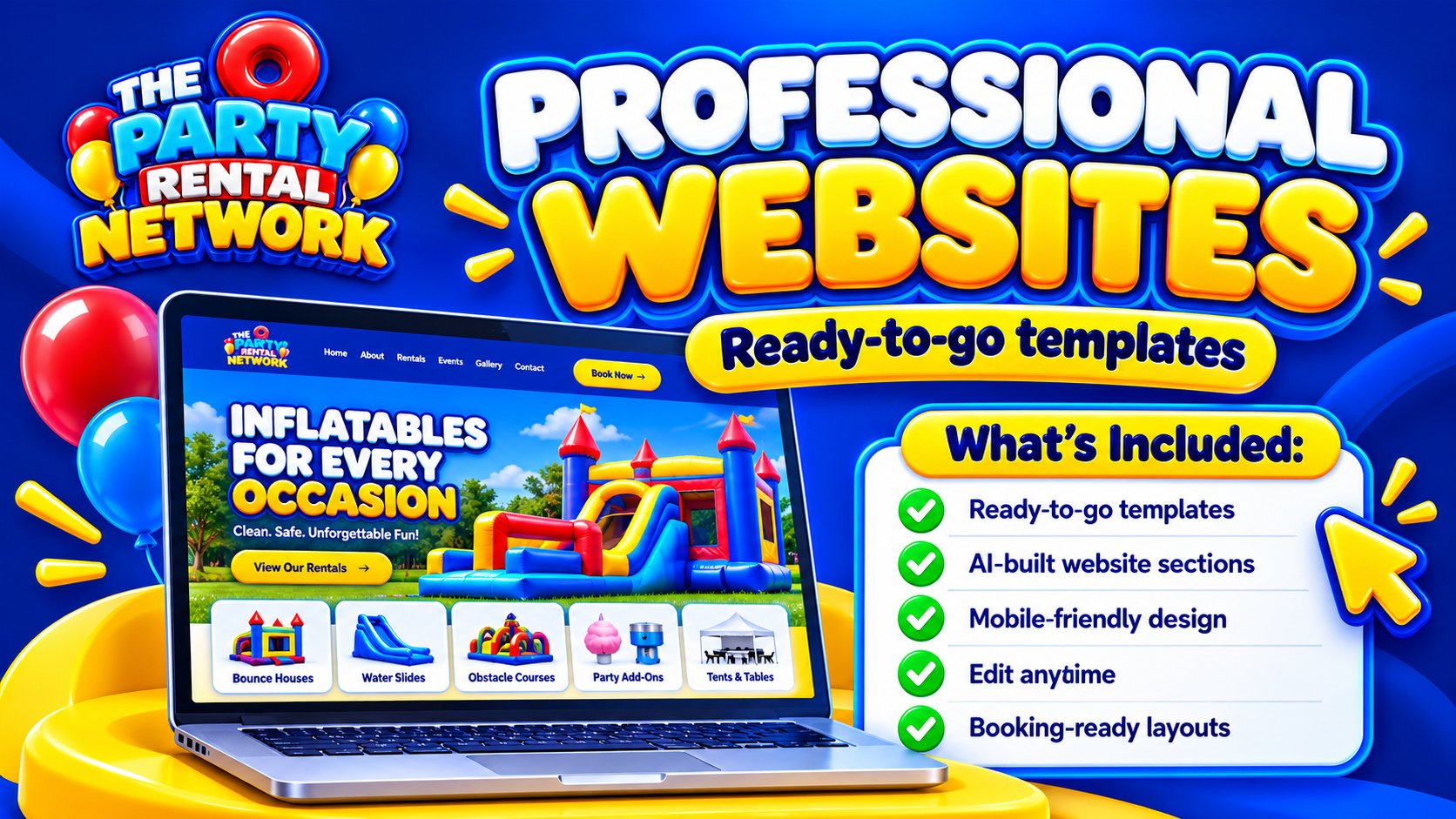
State the hire period and explain what affects the final price. Delivery, setup, deposits and optional extras should be distinguishable wherever applicable. The Professional Websites feature page is a starting point for exploring the website offering; confirm package-specific capabilities before planning around a particular function.
Choose the right path from interest to booking
Not every event hire order belongs in an instant checkout. A straightforward chair hire and a multi-day installation with restricted access may require different journeys.
For standard hires, aim for a short route through equipment, quantities, dates and delivery information. For complex work, use a focused enquiry that captures venue details and requirements without demanding an entire event brief immediately.
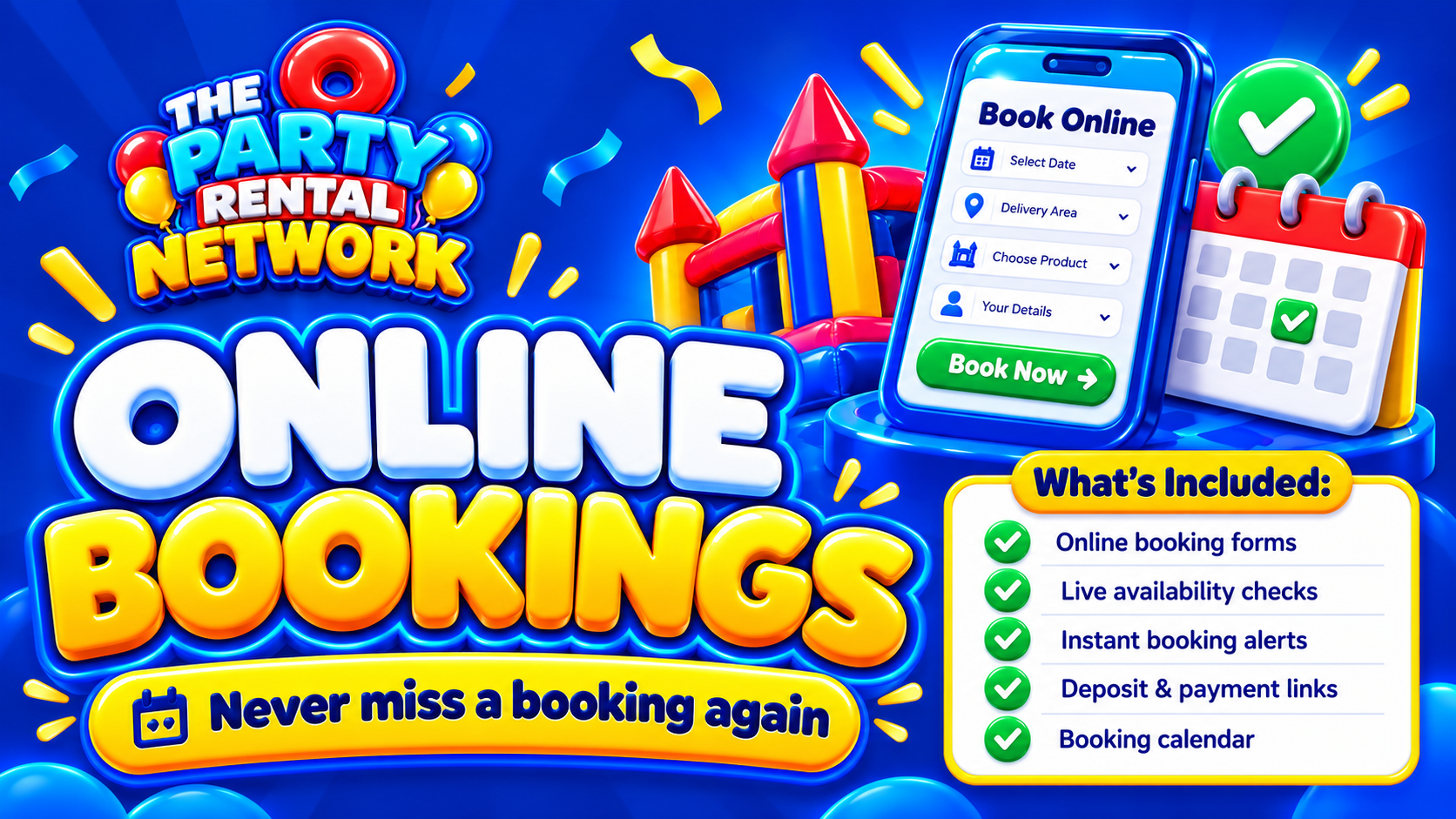
Review Online Bookings against these journeys. Labels should distinguish an enquiry, a provisional request and a confirmed booking. Payment options depend on configuration and launch safeguards, so do not design around assumed live payment availability. The related party rental ecommerce website guide explores the transaction-focused side of this decision.
Connect the design to stock and working practices
Choosing website software means checking practical capabilities: mobile usability, editing controls, enquiry forms and booking options. Setting up a working system means deciding how your business will use them.
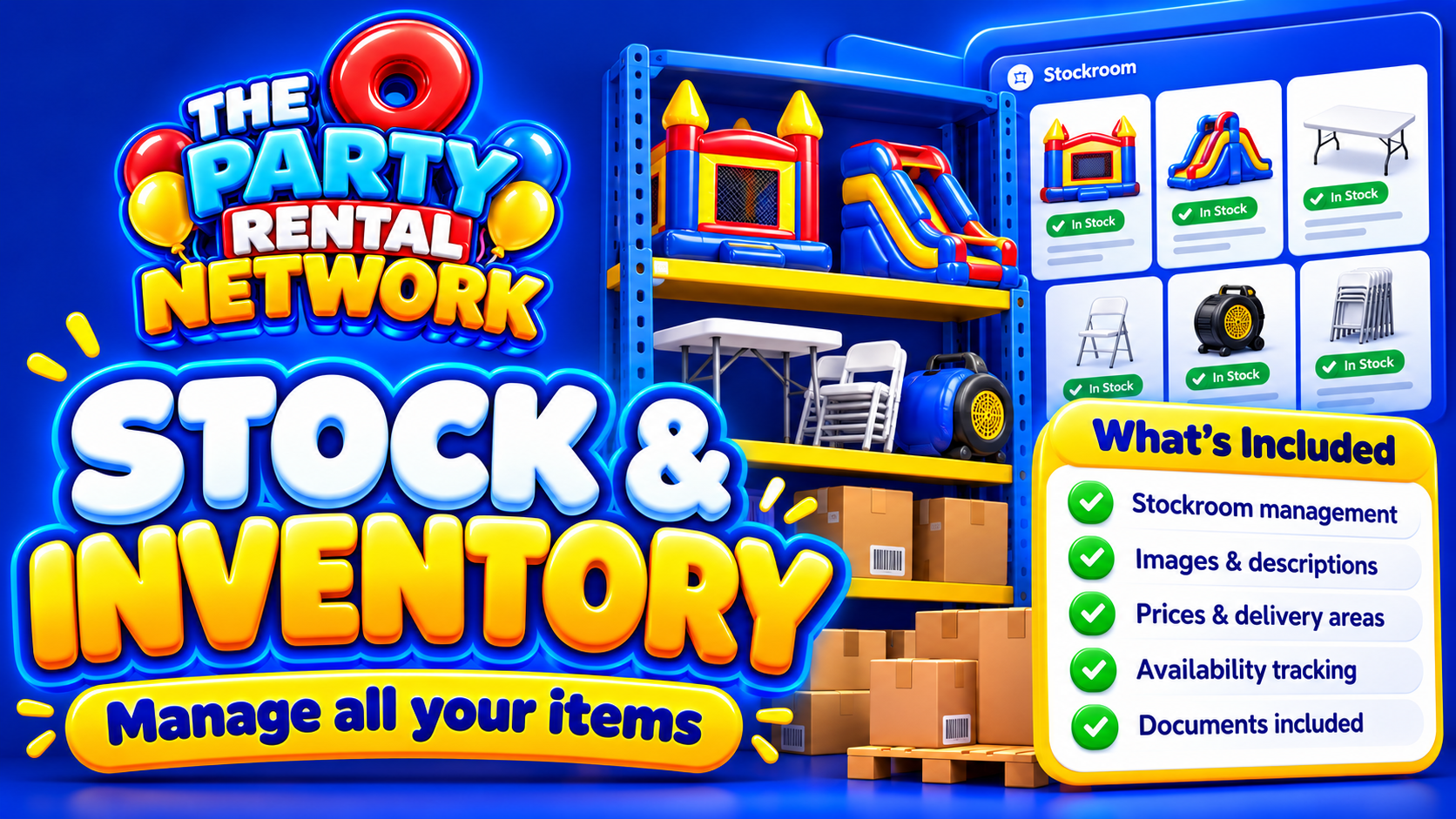
Agree who maintains descriptions, how hire periods are recorded and when a request becomes a stock commitment. Use Stock & Inventory when considering equipment records alongside the website journey, and verify how your selected package handles each requirement.
Think about awkward cases before launch. If equipment returns wet or needs repair, who checks its suitability for the next job? The website should reflect a dependable process, not substitute for one. Software cannot certify equipment or replace qualified safety advice.
Build local relevance without repetitive pages
A useful service-area page explains delivery coverage, access considerations and how location affects the enquiry. Repeating the same paragraph with different town names gives customers little help.
Use descriptive page titles, readable headings and photographs that show the equipment clearly. Check the mobile journey with a real planning task: can someone find dimensions, understand delivery expectations and send the necessary details comfortably?
Auto SEO is relevant when reviewing available search tools, but no tool can assure Google indexing or rankings. Publish accurate information first, then keep it current as your catalogue and operating area change.
Match the website plan to the subscription
A free network account can list equipment and become eligible for opportunities; it is not a promise of bookings or a full paid website package. Paid subscriptions provide business tools according to package.
Compare the functions you need now with those you can introduce later. Confirm website scope, configuration responsibilities and ongoing costs before committing. You can join the network without treating eligibility for opportunities as guaranteed income.
Questions about event hire website design
Should prices be visible?
Show meaningful prices where possible, with the hire period and inclusions. Where access or installation changes the cost, explain why a tailored quotation is needed.
Does every item need its own page?
Distinct equipment usually benefits from its own details. Closely related variants may share a page if customers can clearly distinguish size, quantity and suitability.
Should customers choose dates first?
Dates-first design suits availability-led shopping. Browsing-first can suit early planning. Whichever route you choose, establish dates before presenting availability as dependable.
Can AI replace the enquiry form?
Consider an AI booking assistant alongside clear contact routes. Verify its supported tasks and escalation arrangements; do not assume it can resolve every unusual hire requirement.
What should be tested before launch?
Test mobile forms, links, product information and status messages. Walk through both a simple hire and a complex enquiry, including what staff receive afterwards.
How do we judge whether the design works?
Look for understandable enquiries, fewer missing details and customers finding essential information. Review actual behaviour rather than judging success by appearance or expecting guaranteed bookings.