Party hire website design
What Is The Party Rental Network?
A connected booking, website and AI-powered business platform built around party rentals and event hire, with tools for your equipment, customers, team and wider industry network.
What Type of Party Rental Business Do You Run?
Equipment records, safety documents, delivery planning and artwork tools help keep inflatable hire jobs organised.
A party hire website has two audiences: the person imagining the celebration and the person checking whether everything will fit through the venue door. Often, they are the same customer, five minutes apart. Good design serves both. It makes equipment appealing, then answers the practical questions that turn interest into a sensible booking: size, access, dates, delivery and what the hire actually includes.
See what's possible
Design around the event, not just the catalogue
Your stockroom may be organised by equipment type, but customers arrive with occasions in mind. Someone planning a village hall birthday might need seating, entertainment and a serving table without knowing your product names.
Give visitors clear routes by occasion alongside equipment categories. Keep these routes connected to the same product information rather than creating competing versions. A useful homepage introduces the types of events you serve, your delivery area and a clear starting point. It should not make customers scroll through every item before finding relevant equipment.
Make product pages answer the fit questions
A strong hire page pairs attractive photography with enough detail to rule an item in or out. Show the equipment in context, but distinguish the supplied item from decorations or accessories used in the photograph.
Dimensions need interpretation. Where relevant, explain operating space, access requirements and surface restrictions separately from the item's physical footprint. State what is included and what costs extra. The design should also make cleaning, collection and weather terms easy to find before commitment.
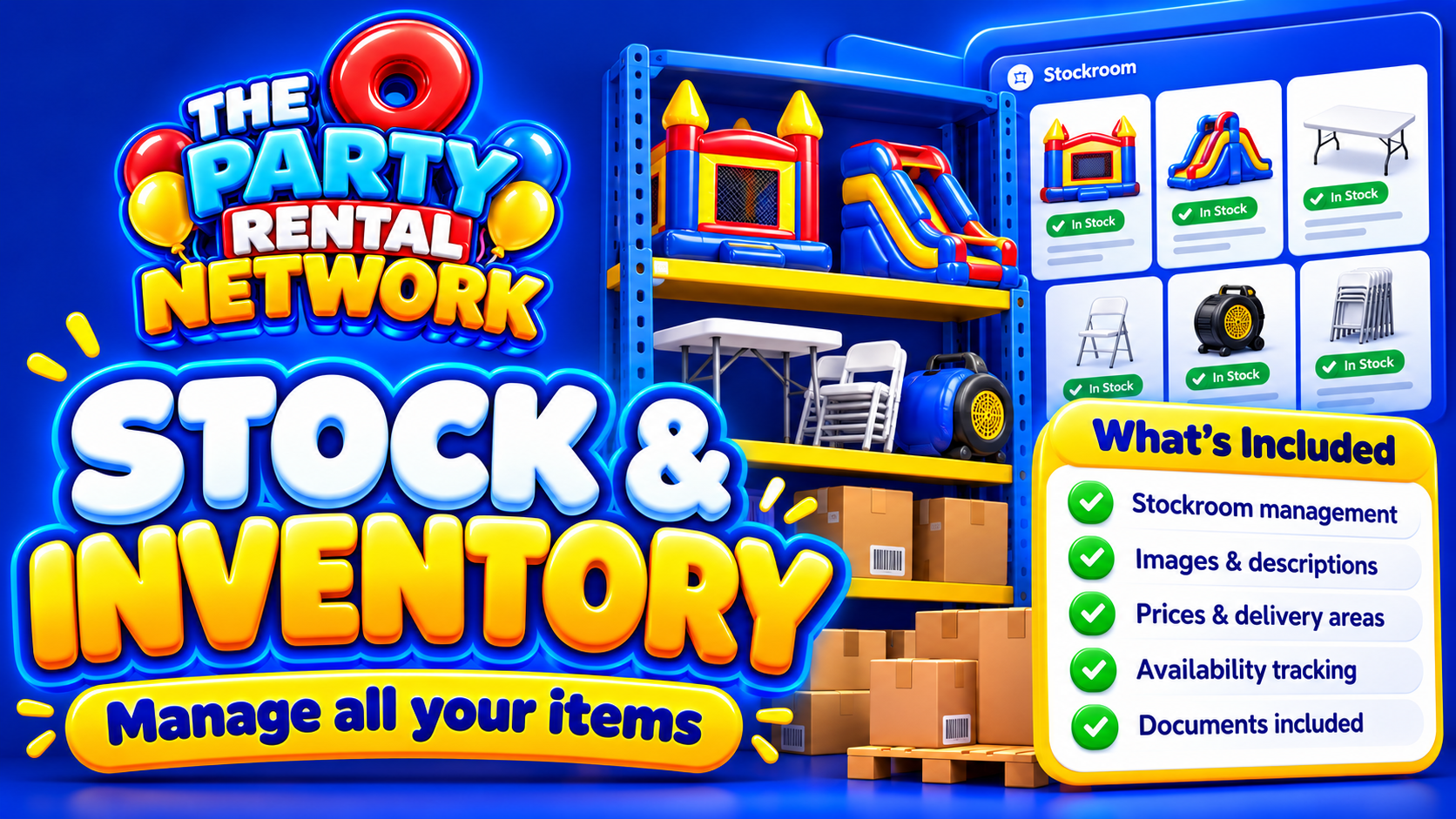
Treat your equipment stockroom as a consideration when planning how products, quantities and package components will be represented online.
Put the booking journey on a small screen first
Imagine a parent comparing options on their phone outside a school gate. They need readable text, useful photographs and an obvious next step, not a full-screen animation covering the enquiry button.
Design the journey so dates, venue details and delivery requirements are requested at sensible points. Explain whether the customer is sending an enquiry, requesting availability or making a confirmed booking. These are different promises.
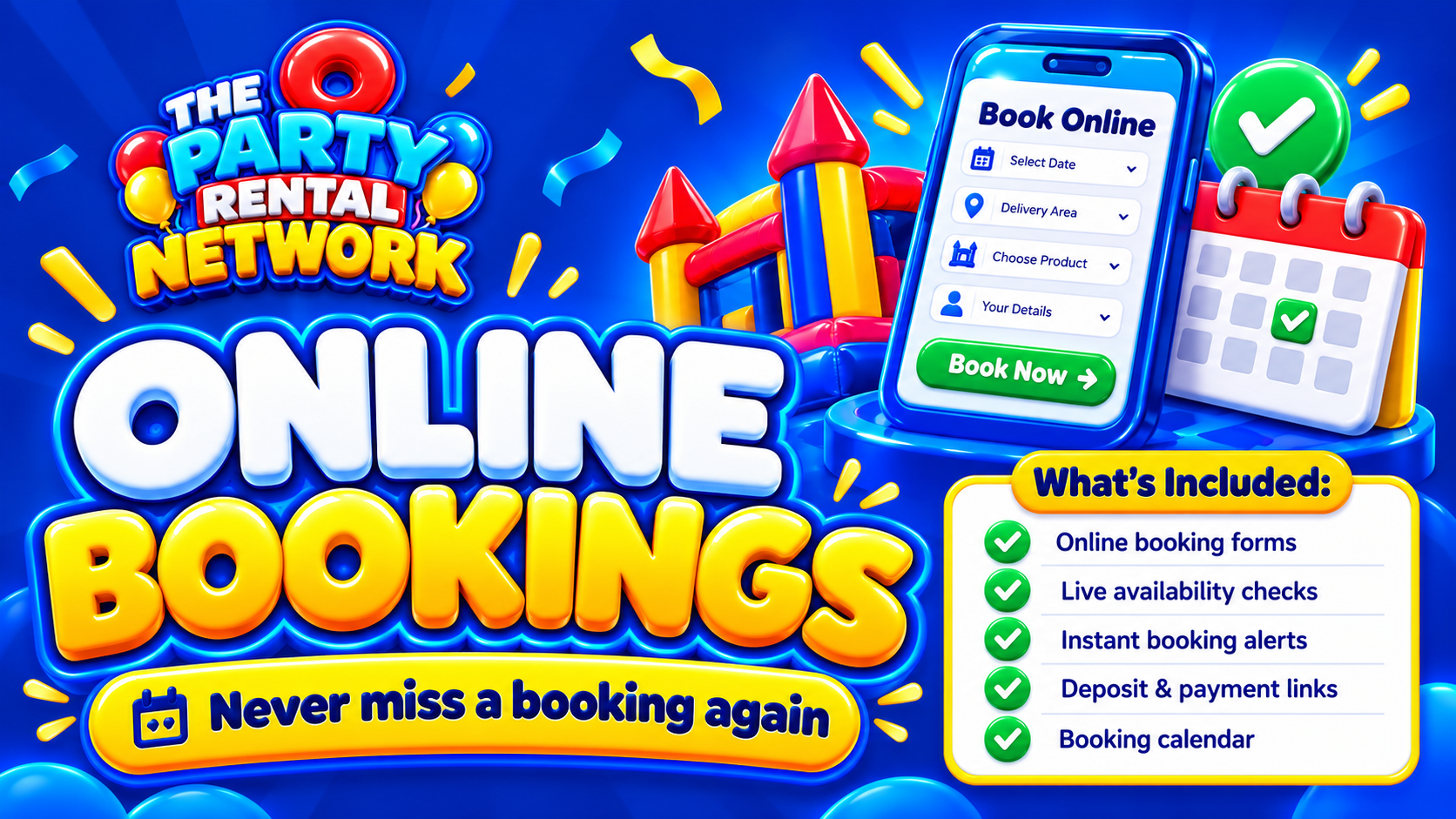
When considering online bookings, check the proposed journey against your actual acceptance process. Payment options also need checking: availability depends on configuration and launch safeguards, so do not design around an assumed live checkout.
Give local customers evidence of relevance
A delivery-area page should help someone decide whether you can serve their event. Explain your normal coverage, how delivery charges are established and which locations need an individual assessment. Avoid making dozens of near-identical town pages with only the place name changed.
Use original photographs and accurate descriptions of your own equipment. Write page titles around the service each page genuinely covers. Auto SEO is relevant when reviewing search tools, but no software can assure Google indexing or rankings. Useful local content still depends on truthful business information and careful editing.
Choose the design by testing awkward bookings
A polished homepage is not enough to evaluate a website. Test an illustrative order involving several chairs, a tent and a venue with restricted access. Can the customer understand quantities, identify missing information and see what happens next?
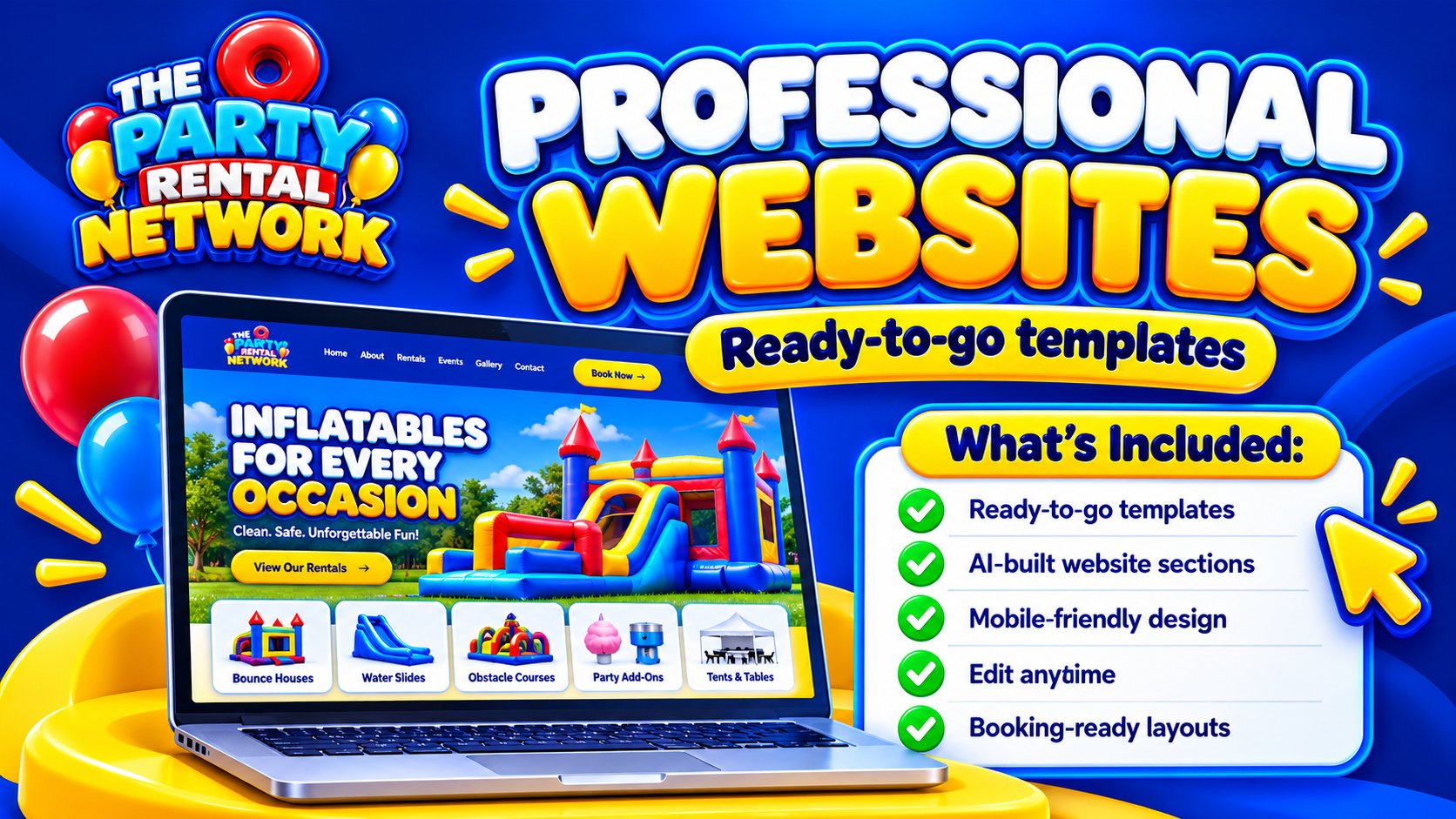
When reviewing professional websites, ask how your catalogue, images, existing domain and enquiry process would be handled. Software selection concerns what capabilities are available. System setup concerns how those capabilities match your delivery rules, stock structure and booking responsibilities. For that operational side, see the automated party rental booking system guide.
Plan for changes after launch
Party hire catalogues change. New equipment arrives, photographs improve and delivery arrangements evolve. Before choosing a design, establish who can edit information, what support is included and which changes require additional work. Affordability is about those ongoing responsibilities as well as the initial build.
Start with your most important categories and complete product information rather than publishing thin pages for everything. A specialist inflatable operator may also find the website for a bouncy castle hire company guide useful. Bring representative products and an awkward booking scenario when you book a demo.
Questions about party hire website design
Is a party hire website included with a free account?
Do not assume it is. Free network accounts can list equipment and become eligible for opportunities. Paid subscriptions offer business tools according to package. Check website provision and package terms before you join the network; opportunities are not guaranteed bookings.
Should prices appear on every product page?
Show clear prices where your pricing structure allows it. Where transport, access or installation changes the total, explain that dependency beside the price or enquiry button. Avoid presenting a base hire charge as the complete delivered cost.
Can I keep my existing domain?
Make this a setup question before committing. Establish domain ownership, who manages DNS, whether email uses the same domain and how existing URLs would be handled. Do not assume a redesign automatically includes migration or redirects.
Do I need professional photographs?
Accurate, well-lit photographs matter more than elaborate staging. Use consistent angles and include useful scale references. Professional photography can help, but customers must still be able to identify exactly what they are hiring.
Should customers book online or enquire first?
That depends on the hire. Straightforward items may suit a shorter booking journey, while complex installations need assessment. The website should distinguish these routes clearly rather than suggesting every enquiry is immediately accepted.
What should I check before publishing?
Test on phones, submit sample enquiries and review prices, delivery wording and confirmation messages. Check links and image accuracy too. Safety information requires competent review: website software cannot certify equipment or replace qualified safety or legal advice.