Party rental booking software
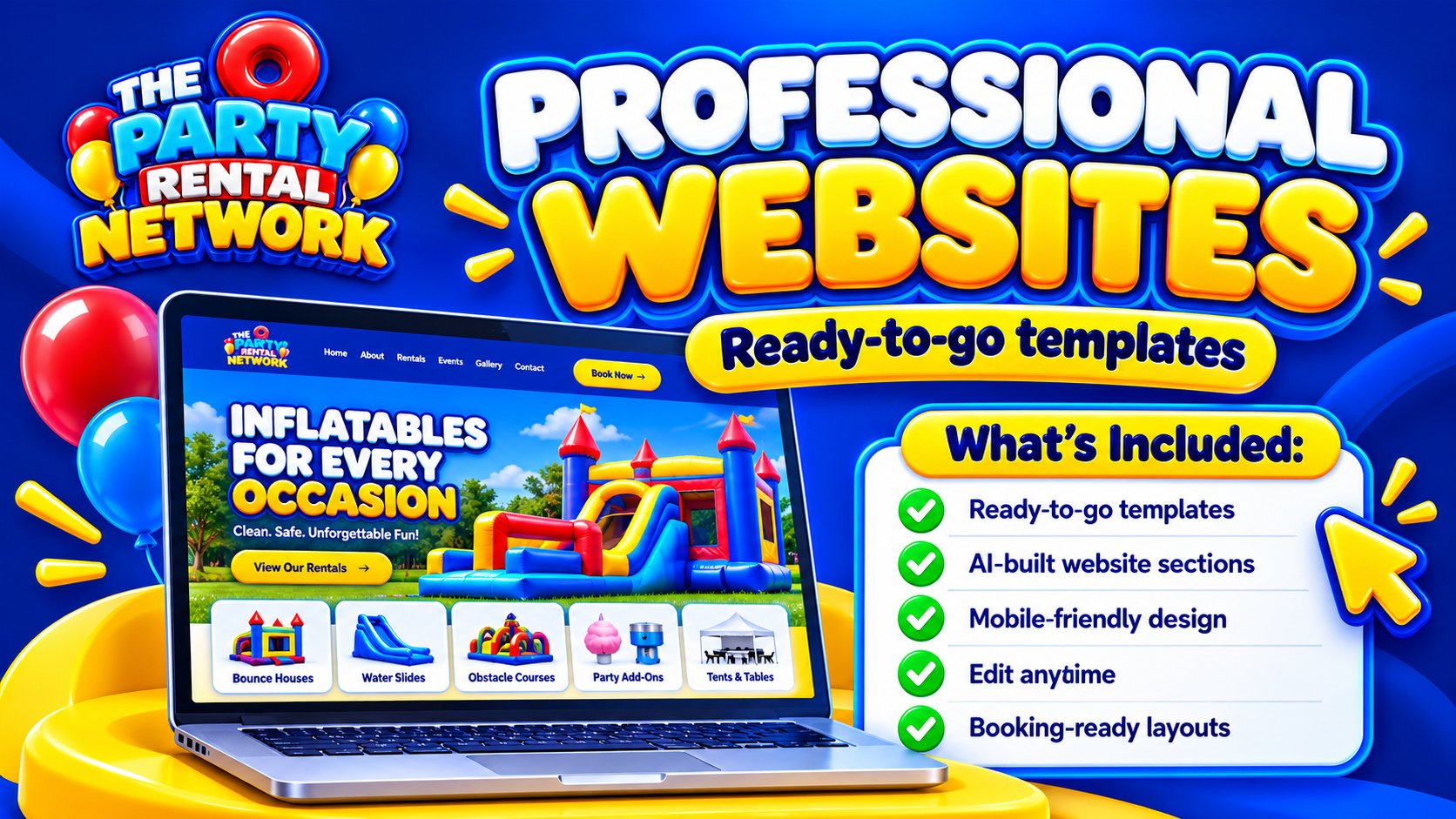
What Is The Party Rental Network?
A connected booking, website and AI-powered business platform built around party rentals and event hire, with tools for your equipment, customers, team and wider industry network.
What Type of Party Rental Business Do You Run?
Equipment records, safety documents, delivery planning and artwork tools help keep inflatable hire jobs organised.
A Saturday booking does not necessarily finish on Saturday. The gazebo may return on Sunday, the soft play may need cleaning, and a wet inflatable may be unavailable for its next hire. Choosing party rental booking software starts with that gap between an event ending and equipment becoming ready again.
Party Rental Network connects booking management with an equipment stockroom and wider hire-business tools. For software selection, the useful question is not how many features appear on a dashboard. It is whether the package fits the decisions your team makes before accepting, preparing and completing a booking.
See what's possible
Start with the time equipment is unavailable
Consider an illustrative weekend: a customer wants garden games on Sunday morning, but the same equipment is due back from a wedding late on Saturday. Availability depends on collection, checking and preparation, not just two different event dates.
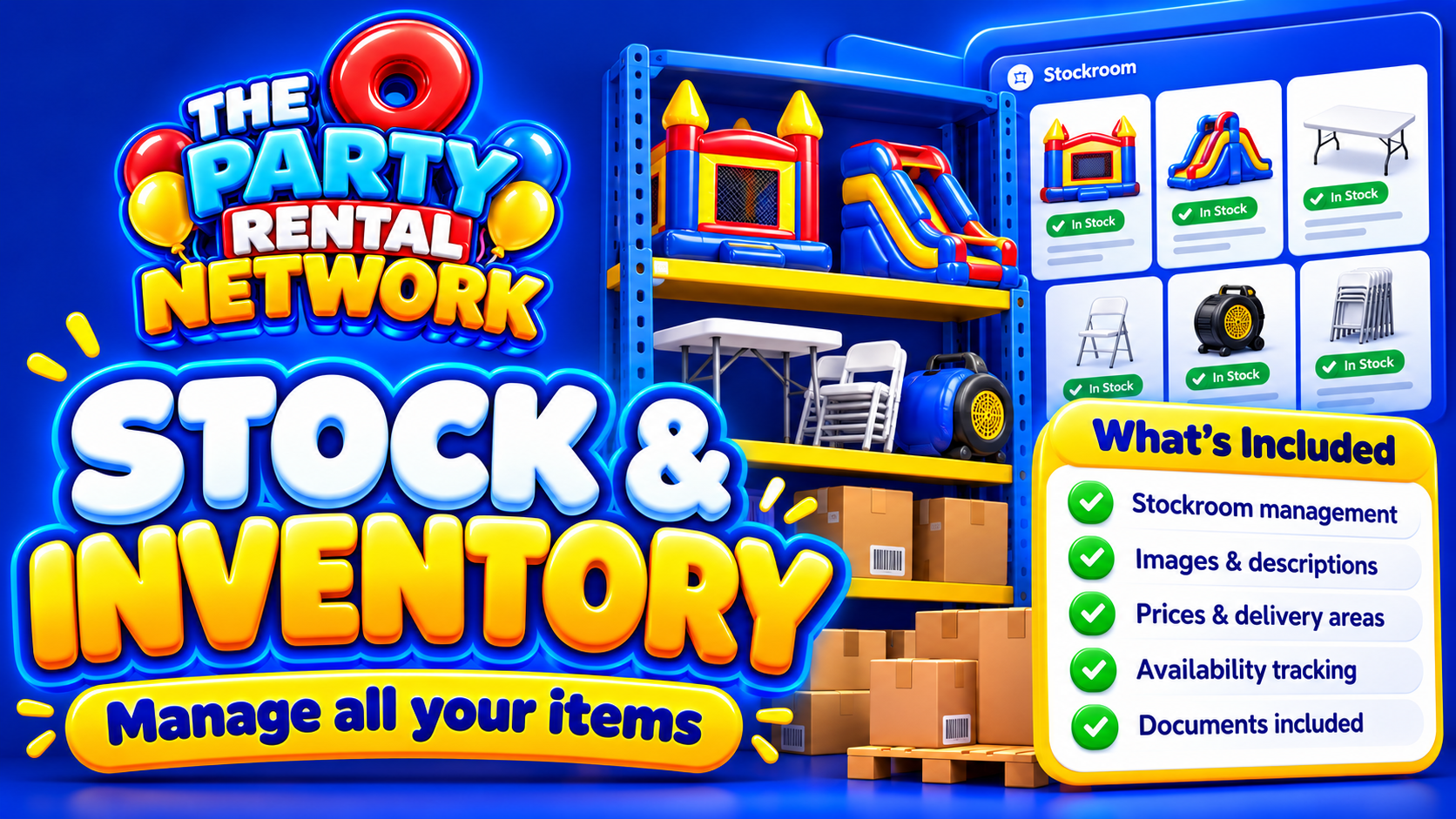
Before choosing software, write down how your business handles overnight hire, customer collections, cleaning and delayed returns. Use these situations when assessing Stock & Inventory. Establish how equipment availability is represented and what staff must update themselves. A clear process for marking damaged or wet equipment matters as much as a tidy product catalogue.
Test a booking, not just a screen
Run through a realistic enquiry from first contact to final collection. For example, a village-hall party might involve an inflatable, soft play, a narrow access route and a fixed collection deadline. Those details can affect whether you accept the job and what you send.
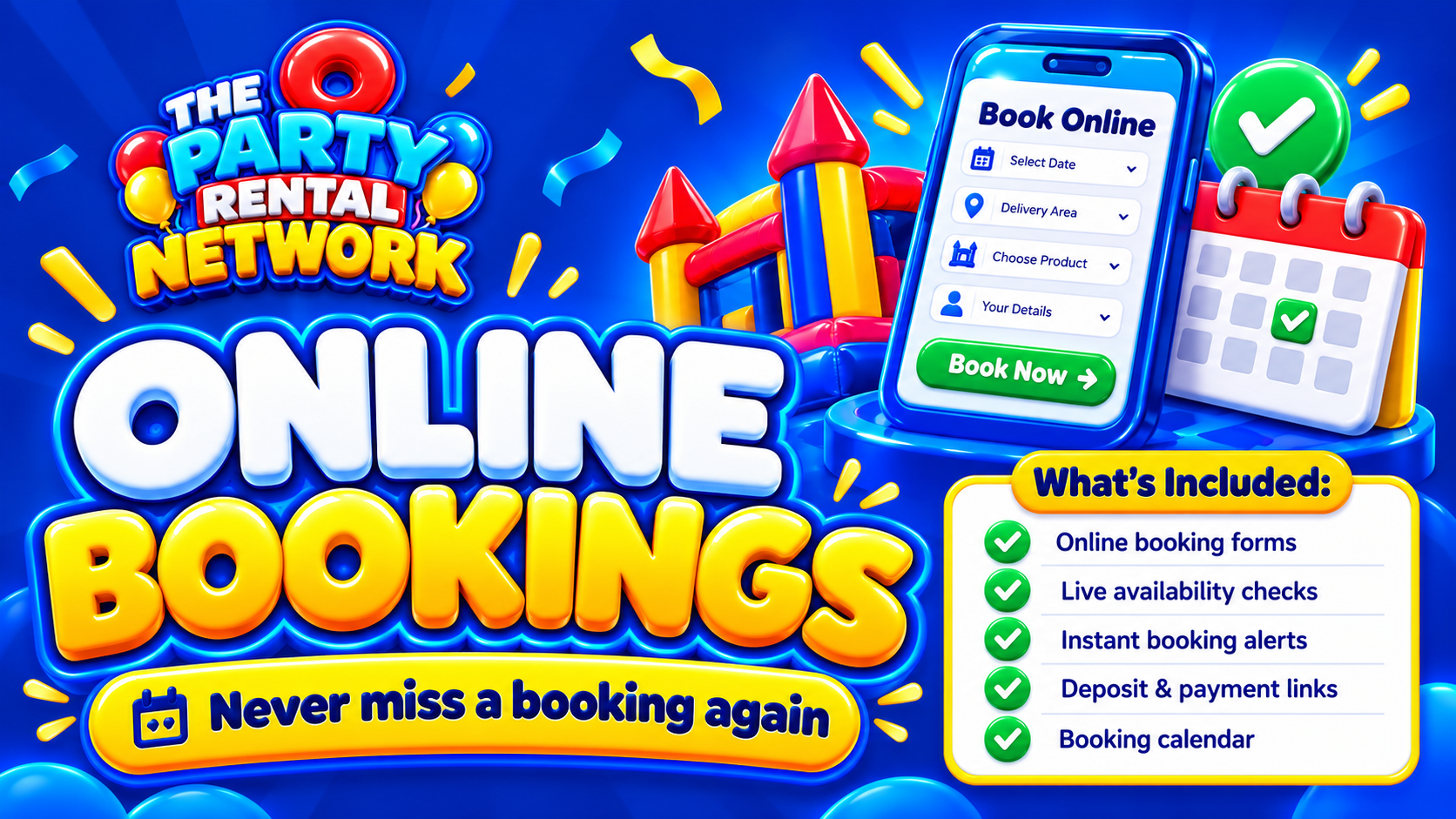
Explore Online Bookings with your own hire scenarios in mind. Check what customers provide, what staff review and how changes are handled. Distinguish an enquiry from a confirmed commitment in your working process. Do not assume a booking has been paid simply because its details exist in the software; payment availability depends on configuration and launch safeguards.
Prepare your records before switching
Good setup begins with consistent equipment names, current quantities and usable customer records. If one spreadsheet says “blue castle” and another says “standard inflatable”, resolve whether they refer to the same item before transferring information.
Decide who owns each part of the setup and how existing future bookings will be checked against the new records. Keep a clear source of truth during the changeover rather than letting two competing diaries develop.
Review Customer Management alongside your approach to customer information. Agree what staff need to record, who should have access and how unnecessary personal details will be avoided. Ask about available data-entry or transfer options rather than assuming every spreadsheet can be imported automatically.
Connect the booking to the delivery day
A booking can fit the stockroom and still be awkward to deliver. Two venues may want simultaneous arrival, while a bulky package may need more vehicle space than its item count suggests.
Party Rental Network includes transport planning and 3D van loading. Assess Route Planning & Loading against your vehicles, loading order and realistic delivery windows. Route and driver planning should not be confused with live vehicle tracking.
Staff planning also deserves attention when selecting a package. Establish who prepares equipment, who checks the load and who records changes. Software supports that coordination; it does not remove the need to allow sufficient time or assign responsibility.
Choose software around your working method
“Software” and “system” often describe the same purchase, but they suggest different selection questions. Software concerns include package access, permissions, setup and staff usability. Your booking system also includes the rules people follow when accepting jobs, inspecting equipment and resolving exceptions.
For inflatable-specific working considerations, read Inflatable hire booking system. If your priority is bringing several business functions together, All in one party rental software provides the broader context.
Introduce the tools your team needs first. A controlled start with checked records is more useful than adopting every available function without clear ownership.
Separate free network access from paid tools
Free Party Rental Network accounts can list equipment and become eligible for opportunities. That is not the same as receiving the full booking-software package. Paid subscriptions provide business tools according to the selected package.
Judge affordability by the functions you actually need, the setup work involved and the ongoing subscription commitment. Confirm package details before choosing. Where network opportunities apply, the supplier sets the agreed hire price and the network adds its margin. Neither free membership nor a paid subscription guarantees bookings, income, search rankings or savings.
Questions about party rental booking software
Can I use the network without paying for booking software?
Yes. Free accounts can list equipment and become eligible for opportunities. Business-tool access depends on the paid package selected.
What should I prepare before setup?
Prepare consistent equipment records, future bookings, customer details and staff responsibilities. Resolve conflicting entries before relying on the new working records.
Does every booking support online payment?
Do not assume so. Payment availability depends on configuration and launch safeguards. Confirm the arrangements available for your business before promising customers a payment method.
Can staff manage bookings by voice?
Confirmed Work Mode booking voice actions are supported, subject to permissions and confirmation. Not every dashboard action is voice enabled.
Will the software certify my equipment as safe?
No. Records, risk assessments and document storage can support administration, but software cannot certify equipment or replace qualified safety, legal or accounting advice.
Does having backup copies mean everything works offline?
No. Backup copies do not establish whole-platform offline operation. Confirm access requirements and keep a practical contingency for essential delivery-day information.